A free game for Mac
Keep your little light alive until dawn.
You are one tiny flame in a dark forest. Shadows are closing in, and every hit makes the dark a little darker. Five minutes. One more go.
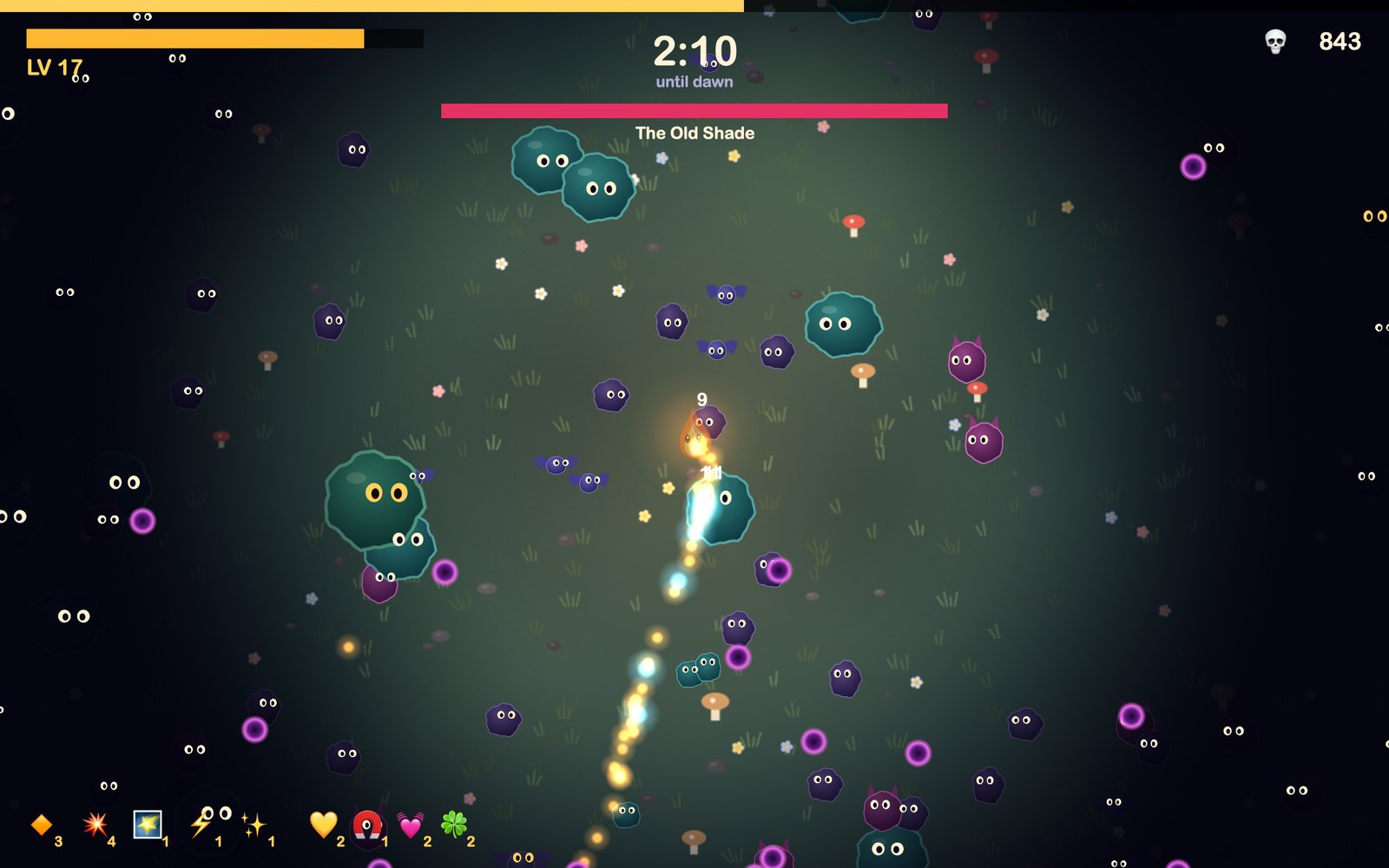
- 5 minto survive the night
- 7weapons
- 9passive upgrades
- 4flames to play
- 2bosses
- $0no ads, no account
The twist
Your light is your life.
There is no health bar to hide behind. The same light that keeps you alive is how far you can see.
- Get hit and the world shrinks. Your glow closes in, until only glowing eyes tell you what’s coming.
- Standing still burns you out. Light slowly fades, so you have to keep hunting embers.
- Collect embers to shine again. Every shadow you burn leaves one behind, and a cluster of them plays a rising little tune.
How a night goes
Easy to start. Hard to put down.
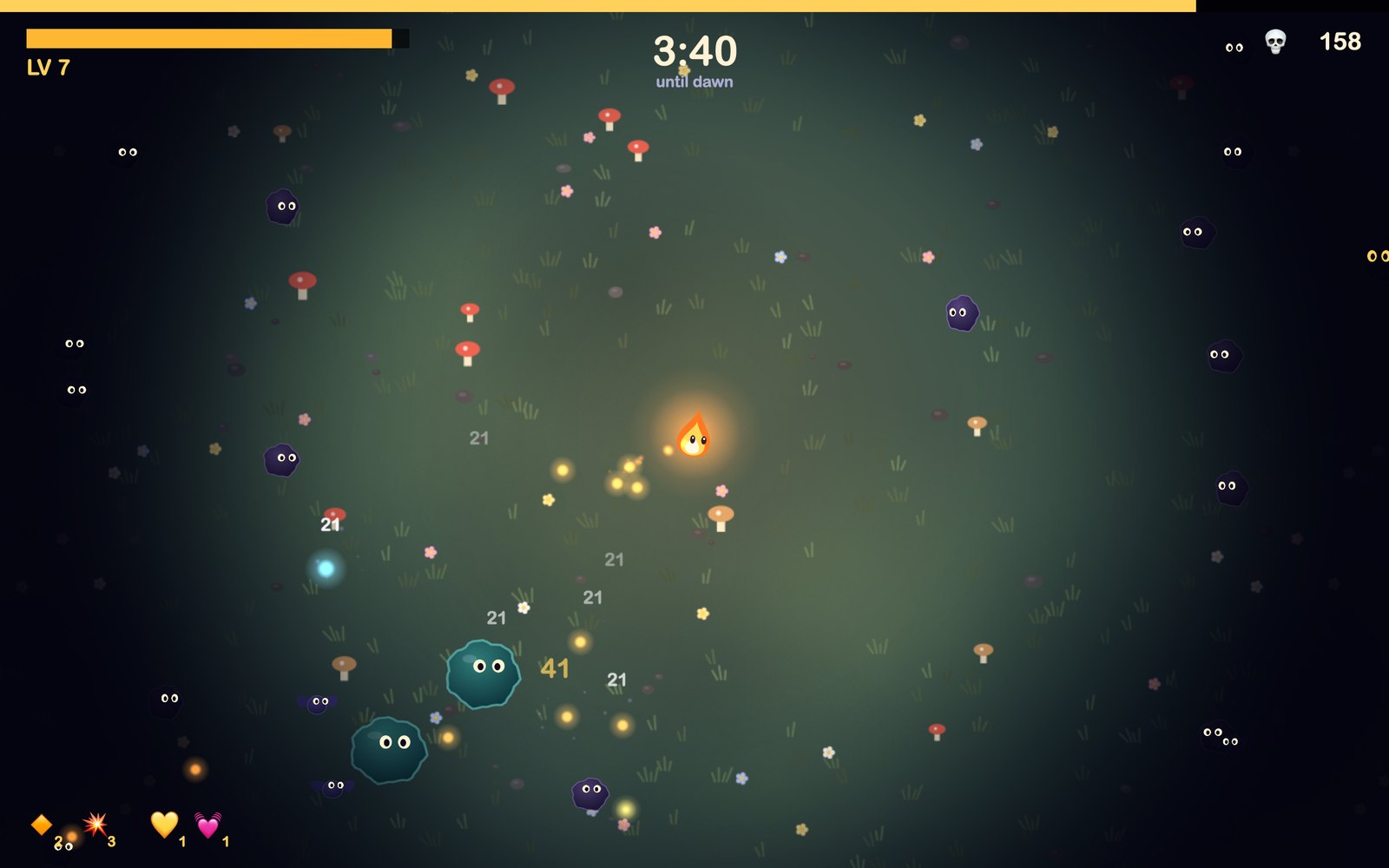
Your flame shoots by itself. You only have to move, so you can play with one hand on a trackpad.
Dodge
Weave through shades, bats, blobs, spitters and fire bombers.
Collect
Grab embers to level up and win back your light.
Choose
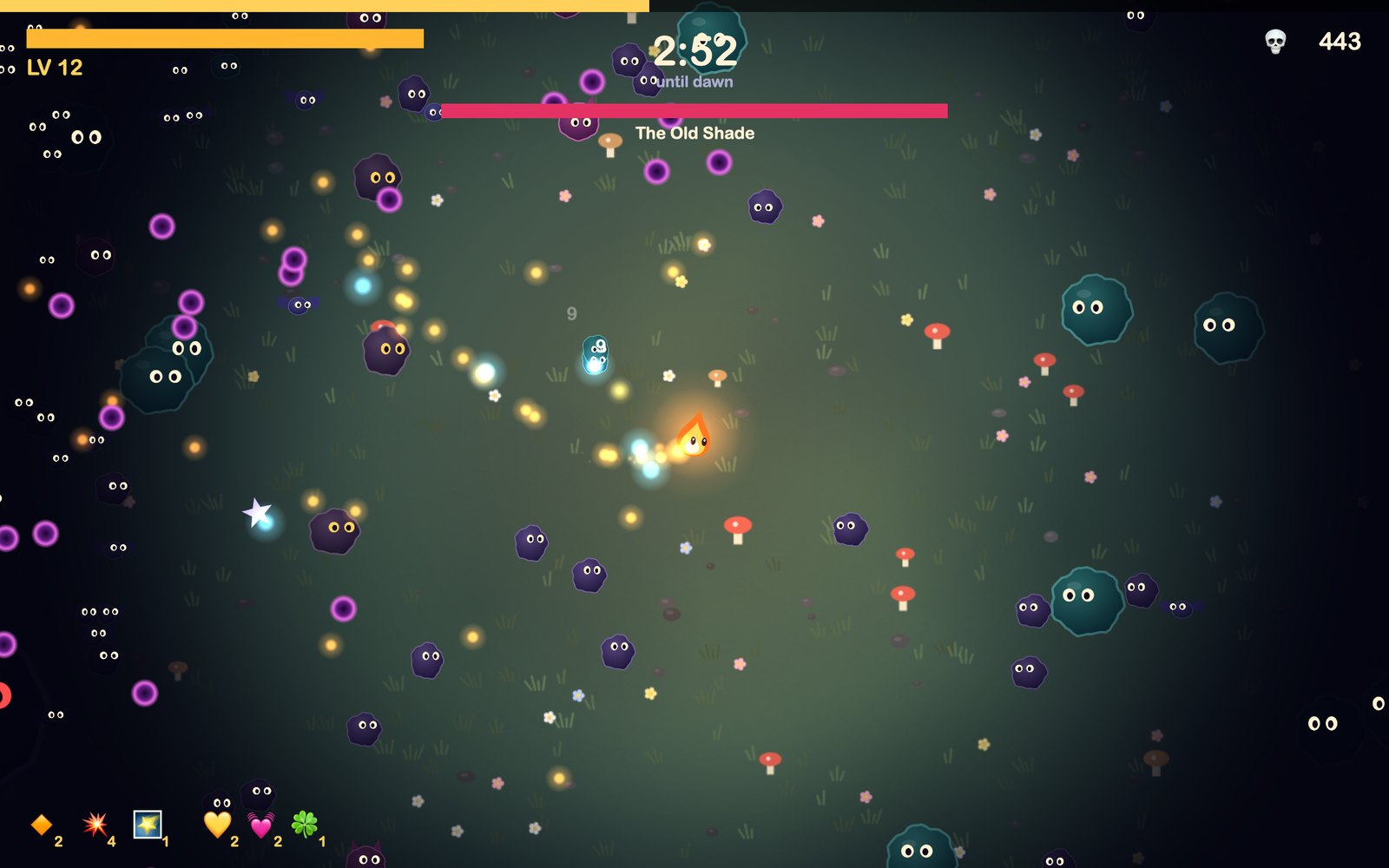
Every level, pick one of three upgrades and shape your build.
Reach dawn
Survive The Old Shade and The Night Mother, and the sun burns every shadow away.
Build your flame
Seven ways to burn them.
Mix up to five weapons in a run, and level each one up as you go.
Spark Bolt
Fires sparks at the nearest shadow. Later it fires more of them, and they pierce.
Moth Ring
Moths circle you and bite whatever they touch.
Flare Nova
A ring of fire that shoves everything away.
Fireflies
Homing fireflies hunt shadows for you.
Ember Trail
You leave burning embers wherever you walk.
Chain Zap
Lightning jumps from shadow to shadow.
Starfall
Stars crash down on random shadows.
Plus nine passive upgrades
- 💛 Bright Soul
- 🌕 Wider Glow
- 👟 Quick Feet
- 🧲 Ember Magnet
- 💓 Rapid Heart
- 🗡️ Sharp Sparks
- 🔆 Big Bang
- 🕊️ Second Wind
- 🍀 Lucky Moth
Four flames
Pick your little light.
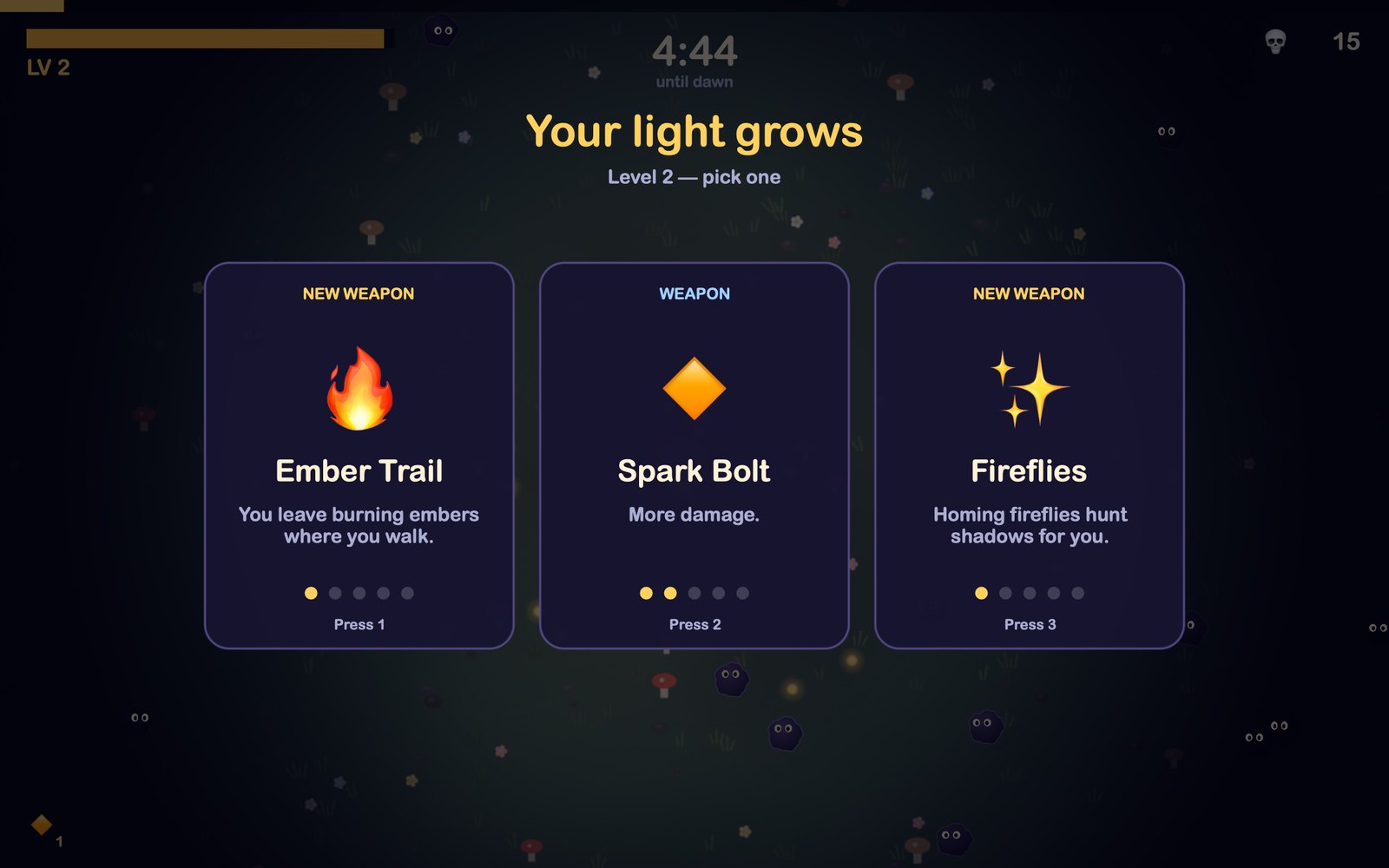
Each one plays differently. You start with the Candle and unlock the rest with stardust.
Candle
Steady and dependable. Starts with Spark Bolt.
Free from the startFirefly
Fast but fragile. Starts with Fireflies.
120 ✦ stardustLantern
Slow, with a huge glow and lots of light. Starts with Flare Nova.
250 ✦ stardustComet
Burns everything behind it. Starts with Ember Trail.
400 ✦ stardust
One more run
Every night makes the next one easier.
Even when your light goes out, you keep what you earned.
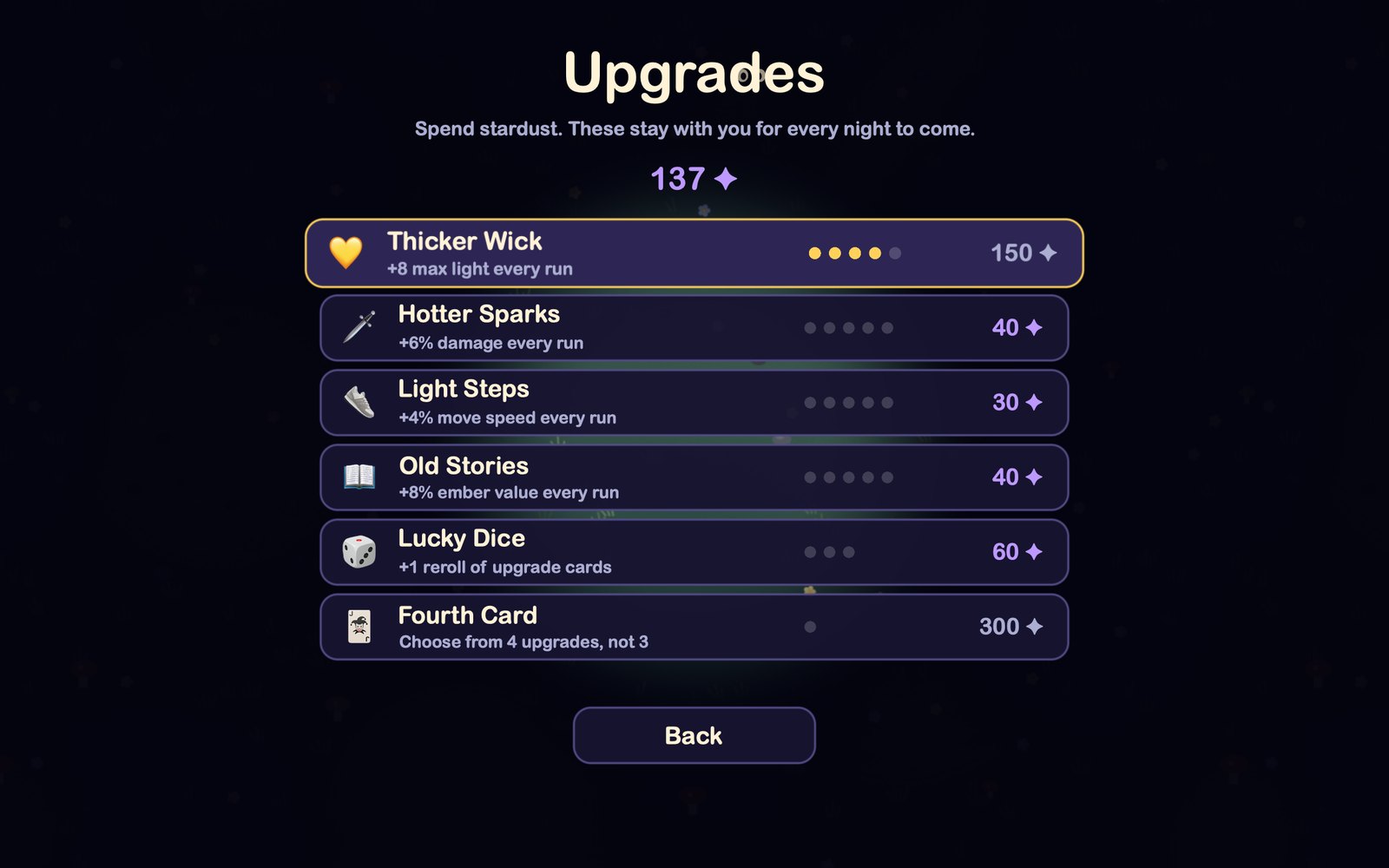
- Stardust stays with you. Spend it on six permanent upgrades, like a thicker wick or a fourth upgrade card.
- A new twist every day. Tonight’s Night might be Bat Night, Thin Air, Hasty Shadows, Crowded or Full Moon, with extra stardust for braving it.
- Beat your best. Your best score and longest night are saved on your Mac.
Controls
You already know how to play.
- MoveW A S D or arrow keys
- Move with one handHold the mouse or trackpad
- ShootYour flame does it for you
- Pick an upgradeClick, or press 1 2 3
- PauseEsc
- MuteM
The night is waiting.
Free to download and play. It works offline, with no ads, no account and no tracking.
- Open the download. Double-click Nightlight.dmg in your Downloads folder.
- Install it. Drag Nightlight onto the Applications folder, then open it from Applications.
- You’ll see a warning. macOS says it can’t verify the app. This is expected, so click Done.
- Allow it once. Go to System Settings, then Privacy & Security, scroll down and click Open Anyway.
Why the warning? Nightlight isn’t notarized by Apple yet, which is a paid check that apps go through, so macOS asks you to confirm. You only do this once. On macOS 14 or older, you can instead right-click the app and choose Open.
Questions
Good to know.
Is it really free?
Yes. There’s nothing to buy, no ads and no account. Stardust is earned by playing and can’t be bought.
Will it run on my Mac?
You need macOS 12 or newer. The download includes versions for both Apple Silicon and Intel. It has mostly been tested on an Apple Silicon Mac so far, so if something goes wrong on yours, let me know.
Does it work on Windows, iPhone or iPad?
Not right now. Nightlight is made for Mac only.
Do I need the internet to play?
Only to download it. The game itself never connects to the internet.
Will I lose my progress if I quit?
No. Your stardust, upgrades and best scores are saved on your Mac. Deleting the app won’t normally remove them either.
How long does a game take?
Five minutes if you survive until dawn, and less if you don’t. That’s the trouble: it’s always “just one more”.